S
J
Enter password to view this project

Customer Self Install
Evolving how AT&T internet customers install their own hardware into a contextual, hardware-aware experience, built across two apps and a catalog of nine devices
Lead Product Designer
Apple Watch
WatchOS
iOS
R&D
App Design
Map
Navigation
Building a self-install experience that meets customers where they are
Customer Self-Install (CSI) is one of the highest-stakes flows AT&T has. When it works, it keeps a customer off the phone and out of a service window. When it doesn't, it's the first thing they experience with a new service, and that shapes everything that comes after.
The CSI experience I inherited had grown organically across multiple devices and releases without a unifying framework. Steps varied in accuracy and order depending on the device. Confirmations were sparse, so customers often couldn't tell if a step had worked. The flow had no awareness of what backend data was available, and it didn't account for customers who arrived mid-setup with equipment already plugged in. Reviewing care call patterns alongside the design audit made it clear where the experience was falling short and where the highest-value work was.
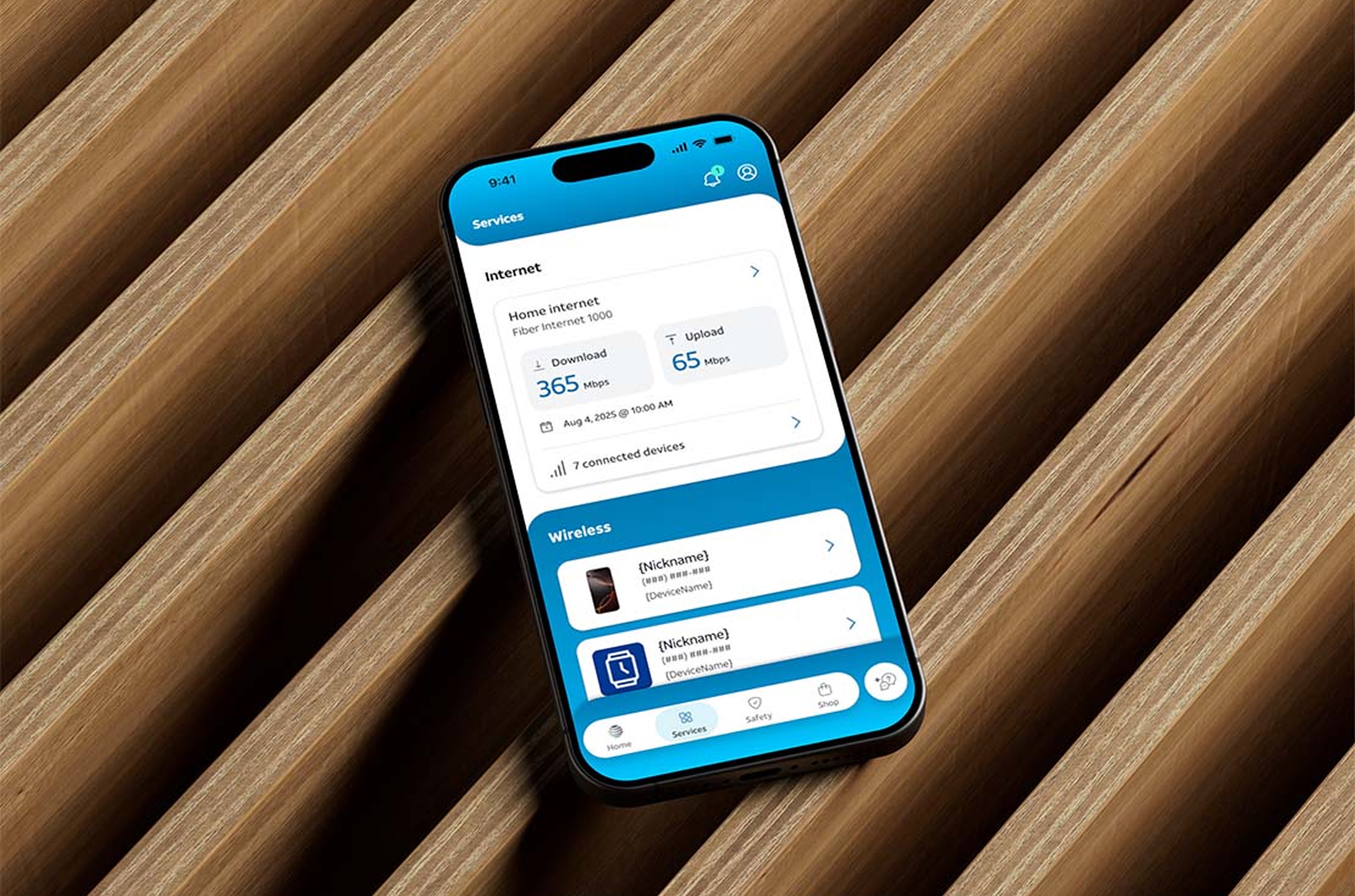
Over three years as the sole design lead, I standardized the install framework across seven gateways and two extender models, introduced a set of net-new features that used device data and AR to reduce friction at the hardest steps, and shipped the updated experience across both the AT&T Smart Home Manager app and the AT&T Flagship app. Designing for two surfaces meant accounting for meaningfully different customer contexts — SHM users are in a dedicated home network management environment, while Flagship users encounter setup as part of a broader AT&T relationship — and building three distinct entry points that surface the right install state at the right moment.
My part

Company
AT&T
Role:
Senior UX Designer, Design Lead
Platform:
iOS & Android
Core Contributions:
UX strategy, flow architecture, UI design, motion direction, QA, post-launch enhancements, stakeholder management, managing supporting designers
Impact
9% reduction in care calls from the equipment-finding step alone, measured post-launch
6% reduction in care calls and tech appointments attributed to the AR troubleshooting flow
Shipped across Smart Home Manager and the AT&T Flagship app, reaching customers on both platforms simultaneously
9 gateway and extender devices standardized under a single consistent install framework
Introduced net-new features including real-time equipment detection, AR cable scan, gateway placement compass, and Wi-Fi signal mapping
The Problem
When I took ownership of the CSI workstream, I started with a thorough audit of every existing device flow. Checking step accuracy against real hardware, mapping what backend data was available but unused, and reviewing care call patterns to understand where customers were stopping most often. The findings shaped the direction of the work over the following three years.
01
Step accuracy varied by device
Auditing the flows revealed that steps were missing or out of sequence for specific devices. The install process for each gateway had been built independently, and it showed.
02
Limited confirmation and feedback
Customers moved through the flow without a clear signal that each step had completed successfully. There was no way to know if something had worked or if something needed attention before moving forward.
03
The flow had one fixed starting point
The experience assumed every customer arrived at step one with nothing plugged in. In practice, many had already started setting up before opening the app, and the flow had no way to account for that.
04
No shared design logic across devices
Each gateway had its own flow built without a common framework. A customer upgrading their device encountered an entirely different experience pattern, with no consistent mental model to carry over.
Before

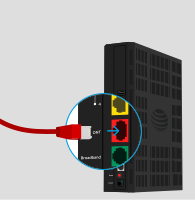
Connect Red ONT Cable to Gateway
Plug the other end into the Gateway's ONT port — it should click into place

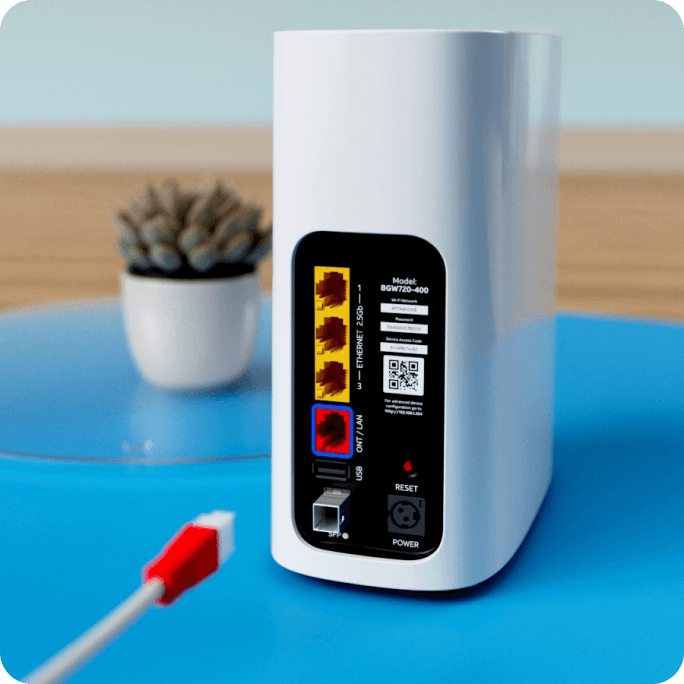
After
9:41
Cancel
Equipment setup
Connect the ONT cable
2
into the All-Fi Hub
The ONT port is on the back of the All-Fi Hub.
Next
Enhancing the UX/UI
What we were up against

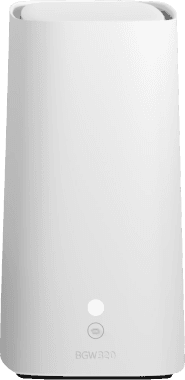
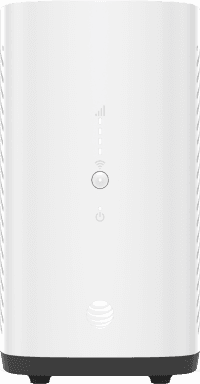
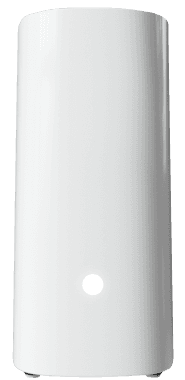
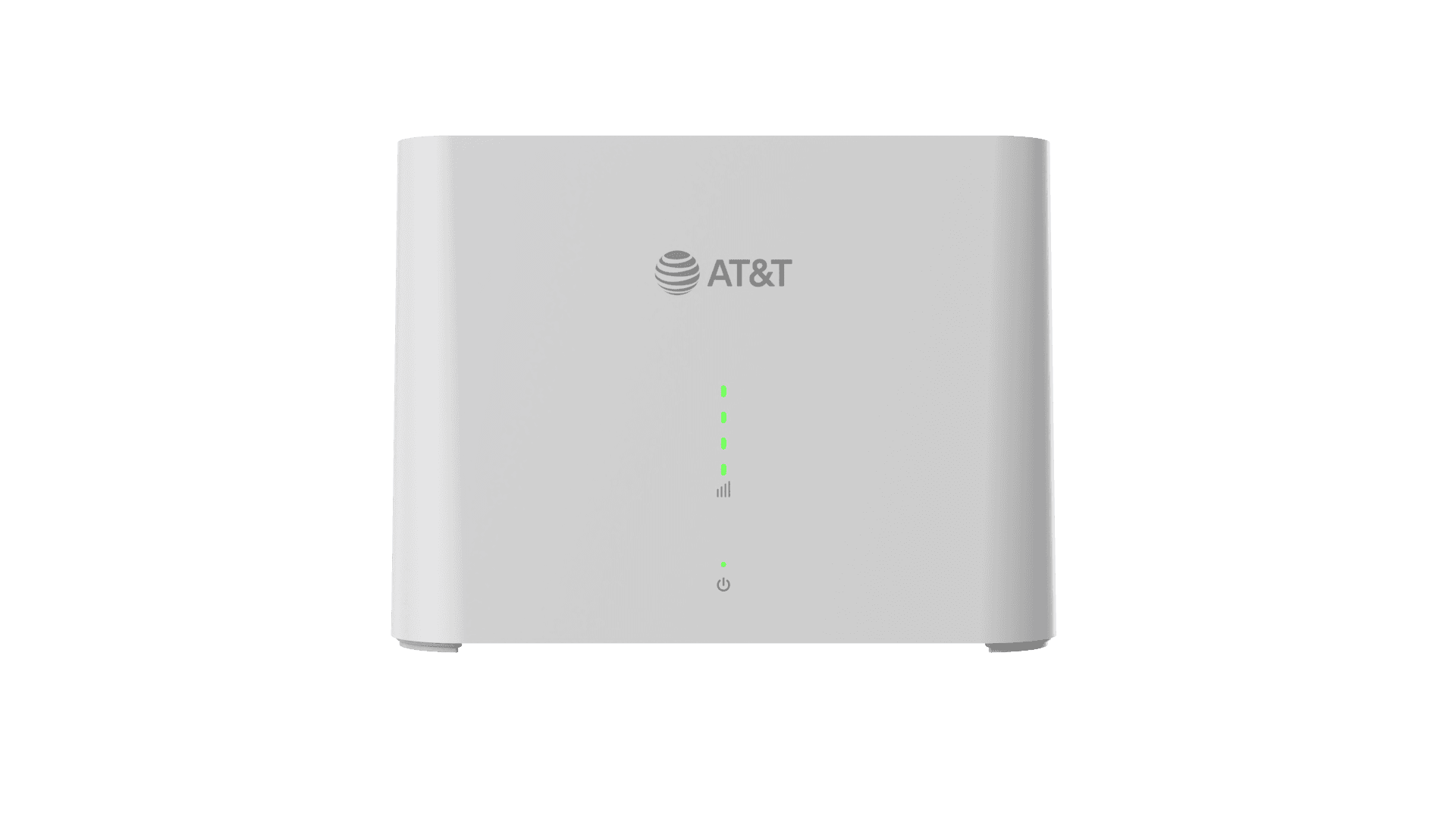
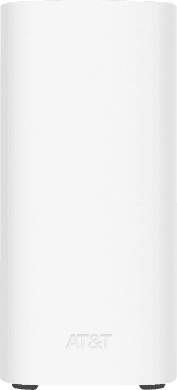
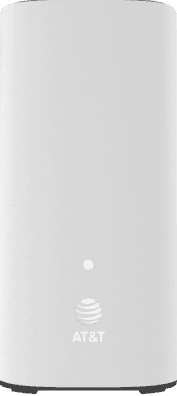
Standardizing the install framework across the full device catalog

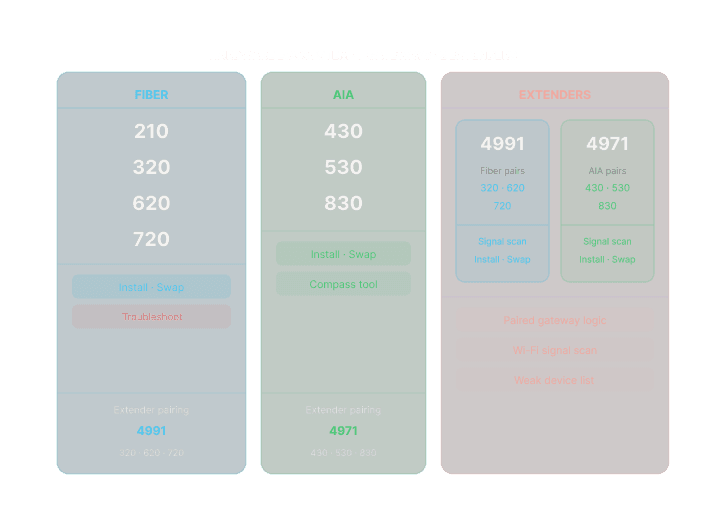
Two technology families, one framework
Fiber and AIA have fundamentally different install paths. The shared framework handles the common steps; device-specific branches handle what's unique to each. Extenders carry their own pairing logic based on which family they belong to.
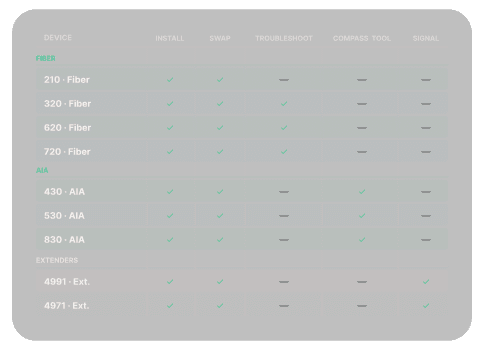
Not all devices get the same flows
The feature set varies by device type. Troubleshooting flows are Fiber-specific. The compass is AIA-only. Signal scanning belongs to extenders. The shared framework accommodates all of this without any of it surfacing in the wrong device's experience.

Flow Complexity
For each of the gateway users install there are many different problems they could encounter. Each of the many cases had to be designed for. Other Gateways would have different problems so the trouble shooting flows for each device was unique. Shown above is specifically for the 320 Fiber Gateway.
We created a new AR tool to give users the ability to scan their gateway to understand what was wrong with it. Then direct them to the correct troubleshooting path.
They could solve the first issue, plug a cable in fully, and scan again to confirm the fix. If another problem was discovered after fixing the first, we would direct them to the new fix.
Features
With the framework in place, I focused on identifying the moments in the install where customers were most likely to stop and call for help, and designed new experiences for each.

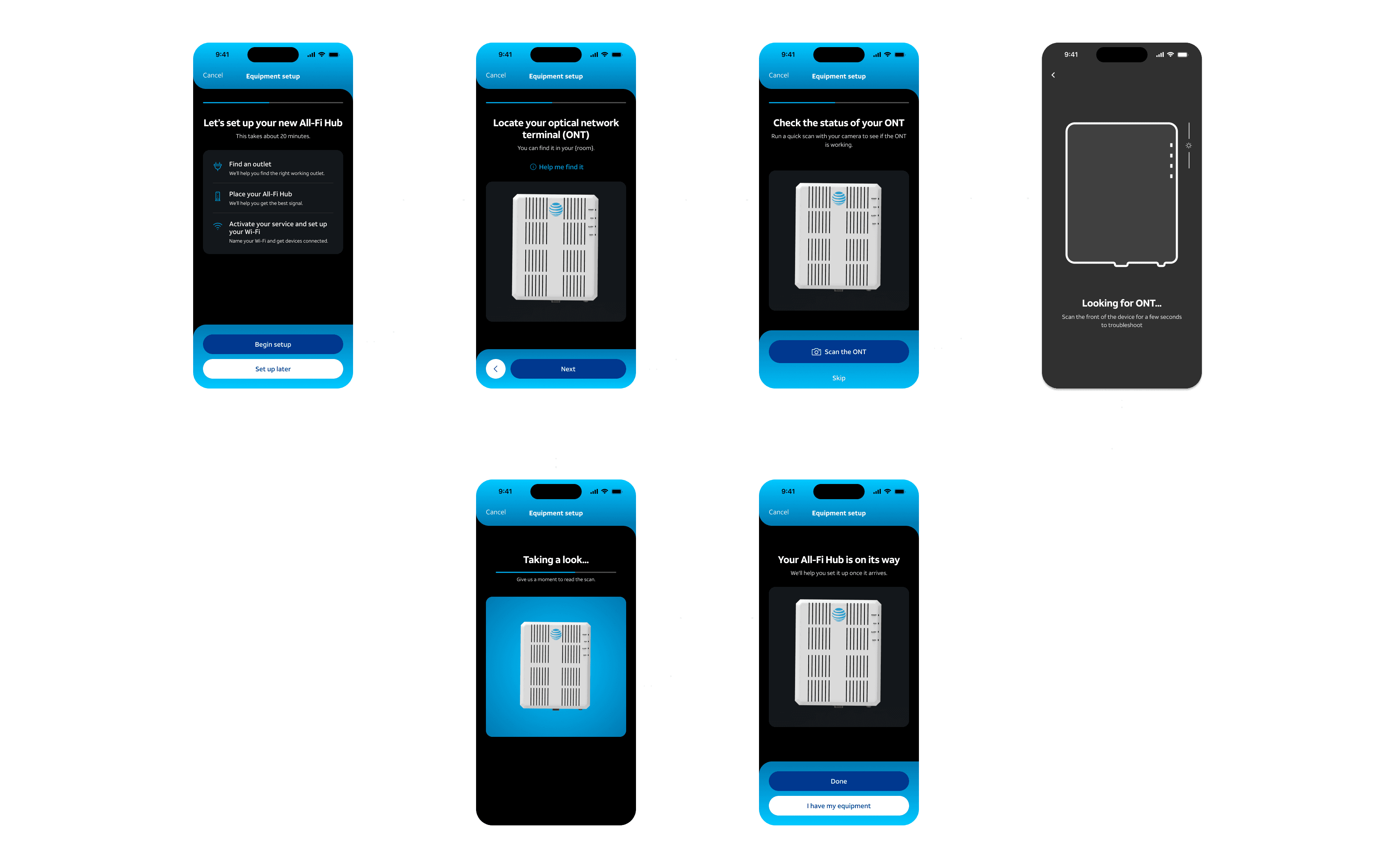
Finding the ONT: a step that didn't exist before
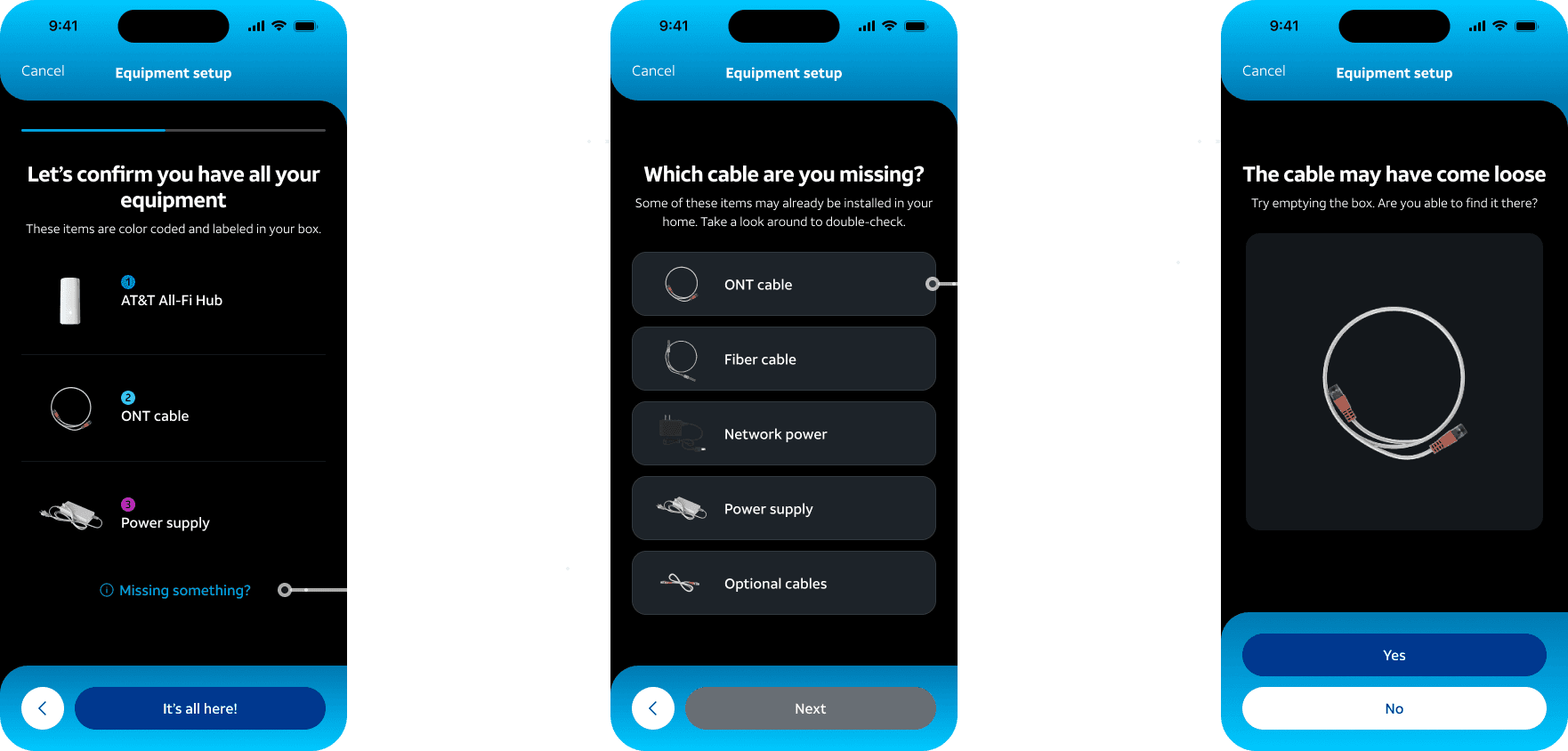
Missing cables: closing a dead end in the install flow
Feature 03
AR Troubleshooting Scan
The opportunity
Two of the most common self-install failures were also the most preventable: cables not fully seated in their ports, and activation problems caused by gateway hardware issues the customer had no way to diagnose. Neither had a self-service resolution path inside the app.
What I designed
The AR scan covers two distinct moments in the flow. Early in setup, the camera scans the ONT to verify it's functional and correctly powered before the customer plugs in the new gateway. During activation, if a connection attempt fails or times out, the scan detects what's wrong with the gateway itself (cable seating, incorrect port, LED error state) and routes directly to the specific fix with video instructions. Each scan has its own detection logic, its own set of error conditions, and its own recovery paths. The result was a 6% reduction in care calls and technician appointments across the troubleshooting portion of the flow.


Point your camera at the front of your All-Fi Hub for a few seconds.
9:41


Rotate right
Holding your phone, move to line it up with the signal tower
Turn right
Point your phone toward the signal tower.
9:41
Feature 04
Gateway Placement Compass
The opportunity
For customers on AT&T Internet Air, the over-the-air 5G gateway, placement is everything. The signal comes from a specific cell tower, and a gateway placed on the wrong side of the house can mean the difference between a solid connection and a call to cancel service. Placement guidance wasn't part of the flow at all.
What I designed
A compass-based placement tool that uses the phone's gyroscope and AT&T's tower location data to tell the customer exactly which direction to face their gateway for the strongest available signal. The tool shows real-time signal strength as the customer moves through the space, so they can find the optimal location before committing to a spot. This addresses one of the most common post-install complaint types for Air customers without requiring a technician visit.
Feature 05
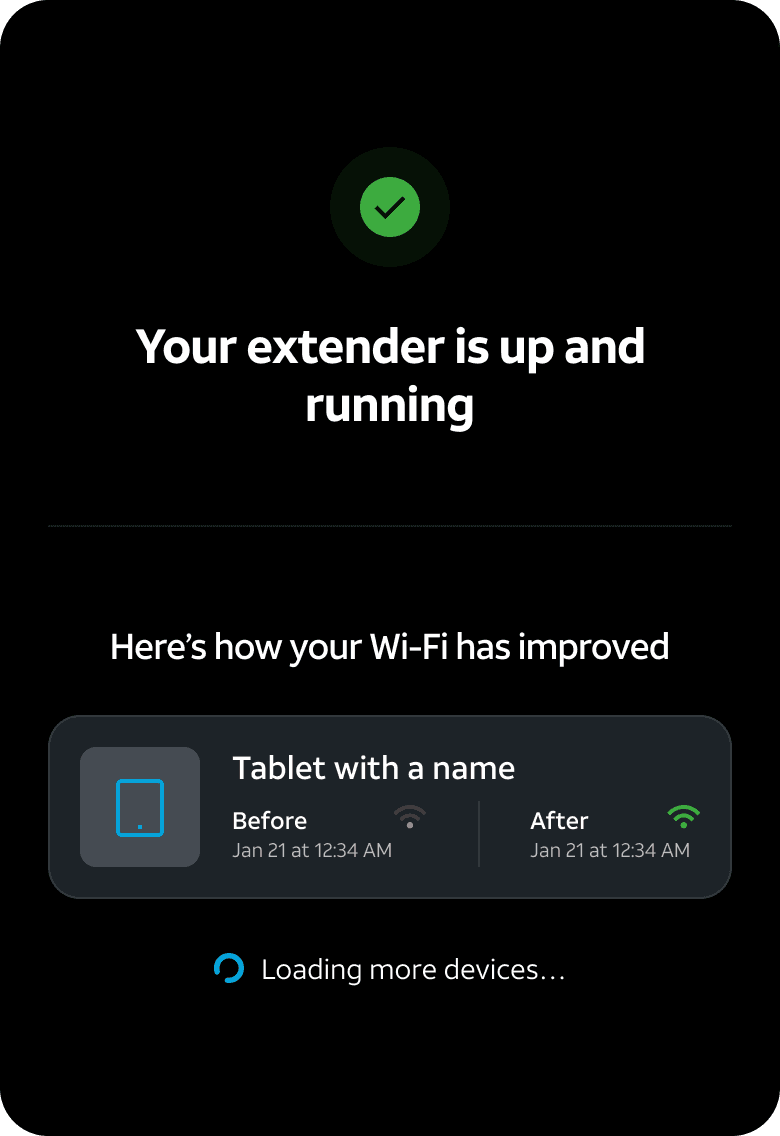
Wi-Fi Signal Scan and Extender Placement
The opportunity
Customers installing Wi-Fi extenders were guessing at placement. A guess often meant the extender was too close to the gateway to meaningfully extend coverage, or positioned in a spot that created a dead zone rather than closing one.
What I designed
An AR-based Wi-Fi signal mapping experience that lets customers walk their home and see signal strength overlaid on their space in real time. The tool analyzes the coverage map and recommends a specific placement location for the extender based on where the dead zones actually are. Customers get a guided install path rather than a guess, and the result is measurably better coverage from day one.
9:41
Explore Wi-Fi strength
What do these signal indicators mean?
How I Worked
Being the ground truth for the product
There was no reliable single source for how these installs were supposed to work. Cable colors, step order, port labels, indicator light behavior. I verified all of it, often by getting hardware in hand or going back to engineering directly. Getting those details right was the work that made everything else credible.
Driving the project without strong PM support
I owned the project direction more than the PM role typically does on a workstream this size. That meant setting priorities, keeping engineering and design in sync, and making sure decisions made in stakeholder meetings didn't silently make it into production as spec changes. Not ideal structurally, but it forced me to get sharp about communication and scope management fast.
Managing a wide stakeholder surface
Marketing, product, engineering, and AT&T's hardware teams all had input on how the install flows should work. I spent a lot of time in that space, understanding what was driving each perspective and figuring out where to align and where to hold the line. Getting that balance right is what kept the product moving without the design getting eroded in the process.
Designing for a physical system, not just a digital one
The install experience bridges hardware and software in a way that shaped every design decision. The app has to account for what the customer has in their hands: a specific cable, a specific indicator light, a specific port configuration. Getting those details wrong has real consequences, which is part of what made accuracy and verification so central to this work.
End to end support, not just designing it
I stayed through QA and into post-launch, catching issues in production that didn't surface in testing, advocating for fixes, and tracking where the remaining friction points were. The 18% call reduction from the equipment-finding step came from a shipped product, not a prototype.
Looking back
What made this hard, what I'd do differently, and what this body of work actually demonstrates.
What made it hard
Designing for a system with no single owner
The CSI flow sits at the intersection of hardware, software, marketing, and customer support, with no single owner across those boundaries. Building the context I needed meant going deep on every piece of it: what equipment shipped in which scenario, what the correct install order was for each device, what error states existed and what triggered them. Most of that work doesn't show up in the frames, but it's what makes the frames reliable.
What I'd refine
Establishing measurement earlier and more broadly
The 9% care call reduction from the equipment-finding step is a clear win, but I didn't have that kind of instrumentation on every feature from the start. Some improvements are hard to quantify after the fact. If I owned this workstream again, I'd push harder from day one to define what success looks like for each flow in measurable terms, even when that's a harder conversation to have upfront.
What this work shows
Complex technical systems, end-to-end ownership, and ecosystem-level thinking
Three years of sustained ownership over one of AT&T's highest-stakes customer touchpoints, across multiple apps, hardware devices, and a wide organizational surface. The work required holding the design together across a system without a single owner, staying current with hardware changes and backend capabilities as they evolved, and introducing capabilities that required building the internal case before building the experience. It's a workstream that required both depth and range, and the results reflect that.